That ad showing a big-name coat, tool set, or tablet at 70% off may lead to a store that doesn't really exist. According to the FTC, shopping scams were the most reported scam on social media in 2025. Most people said their items never arrived, and others got a knockoff or something they didn't order.
Three checks before you pay
- Check the web address. A big brand sells from its own website, like nike.com, not a look-alike such as nike-outlet-sale.shop. For a store you don't know, search its name along with the word "scam," "complaint," or "review." Finding nothing doesn't mean it's safe, because fake stores are often only a few days old. Reviews on the store's own website can be fake.
- Compare the price. Look up the same item at a store you know. If one price is far below all the others, walk away.
- Check how you can pay. If the seller only takes gift cards, wire transfers, payment apps, or cryptocurrency, it's probably a scam.
The padlock next to a website address doesn't prove a store is honest. Scam websites can have one too.
Pay with a credit card if you can
If you're charged twice, billed for something you never got, or sent the wrong item, you can dispute the charge with your credit card company. Money sent by gift card, wire transfer, or payment app is much harder to get back.
Keep your proof
Save your order confirmation and receipt until the item arrives and works. A quick way is to take a screenshot, which is a picture of your screen:
- iPhone: press the side button and the volume-up button at the same time. On an iPhone with a Home button, press the side button and the Home button.
- Android: press the power button and the volume-down button at the same time.
Sellers must ship by the date they promise, or give you the chance to get your money back.
Using a store's app
Fake apps can look like the real thing, so check who made the app before you install it.
- iPhone: open the App Store, search for the store, and check the company name under the app.
- Android: open the Google Play Store, search for the store, and check the company name under the app.
Buying gift cards in a store
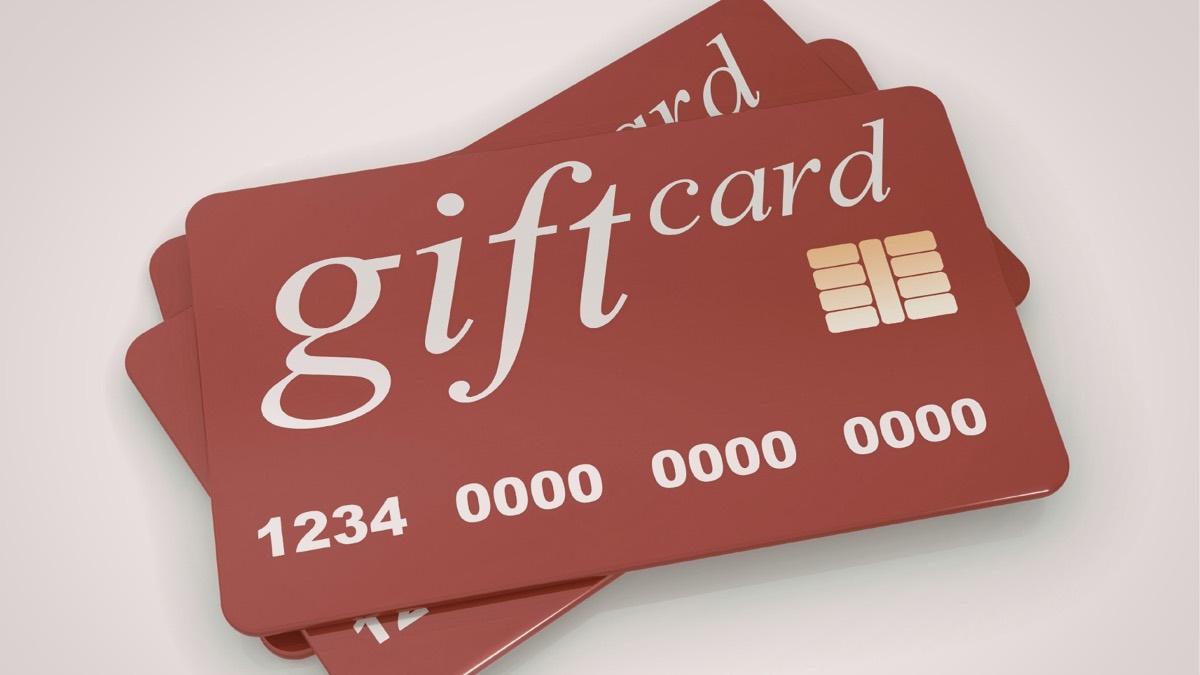
Thieves sometimes tamper with gift cards on the rack, so the money can disappear after you buy one. Before you pay:
- Look for tears, wrinkles, or a package that seems resealed.
- Make sure the PIN on the back isn't showing.
- Run your finger over the back to feel for a sticker placed over the barcode.
If something looks wrong, choose another card and show the damaged one to a cashier or manager. Keep your receipt and a copy of the card. Even a card that looks fine can be affected, so give it soon or check the balance.
If you think you've been scammed
- Paid by credit or debit card? Call the number on the back of your card right away and explain what happened.
- Disputing a credit card charge? Also send a letter to the billing inquiries address on your statement. It must arrive within 60 days after the first bill showing the problem was sent to you.
- Paid by gift card? Call the gift card company right away and ask for your money back.
- Paid with an app? Follow the steps in our payment apps guide.
- Report it at ReportFraud.ftc.gov.
Sources: FTC: Avoid an online shopping scam this holiday season, FTC: Top scams that started on social media, FTC: Disputing credit card charges, FTC: Gift card scams, BBB: Before you buy a gift card.
Already clicked or called? Don’t worry, it happens to a lot of people. If you’d like someone to look over your computer or phone, Tech Pro, my tech-help business, is happy to help. Call 903-571-5501.