How to spot a fake email
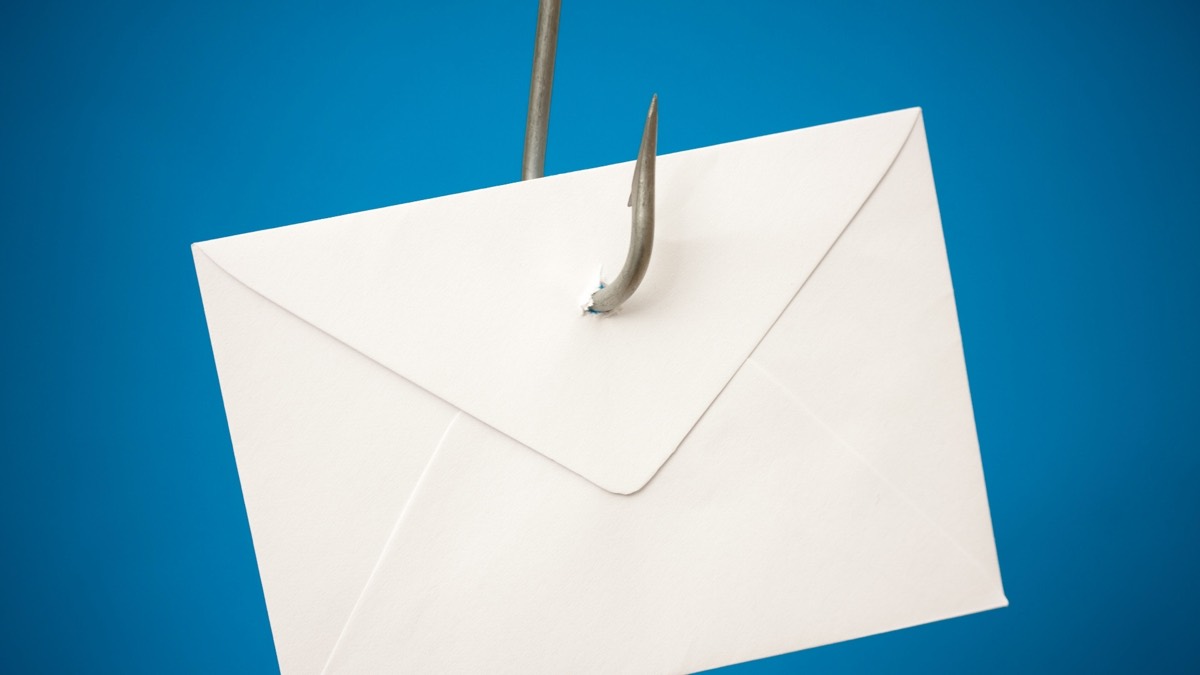
"Your account has been suspended." "Unusual sign-in detected." "Your payment didn't go through." Fake emails like these, called phishing, are made to look exactly like messages from your bank, Amazon, PayPal, or Netflix, logo and all. One click can lead to a fake website built to steal your password or card number.
The one rule
Don't click links in an email that asks you to sign in, pay, or "confirm" anything. Instead, open the company's app or type its website address yourself, or call the number on your card or statement. If something is really wrong with your account, you'll see it there.
Red flags
- A generic greeting like "Dear Customer" instead of your name.
- Urgency or threats: "Act within 24 hours or your account will be closed."
- A request to update payment details through a link. Real companies don't ask for this by email.
- An invoice or receipt for something you didn't buy, with a number to call "to cancel."
- A refund or prize you weren't expecting.
- A strange sender address. Tap or hover over the sender's name to see the real address. "Amazon" sending from a string of random letters or a Gmail account is a giveaway.
- An unexpected attachment, especially a "statement" or "invoice."
Quick check: do you even have an account?
If the email is from a company you don't do business with, it's a scam. Delete it. If you do have an account, check by signing in the way you normally do, never through the email.
If you clicked or replied
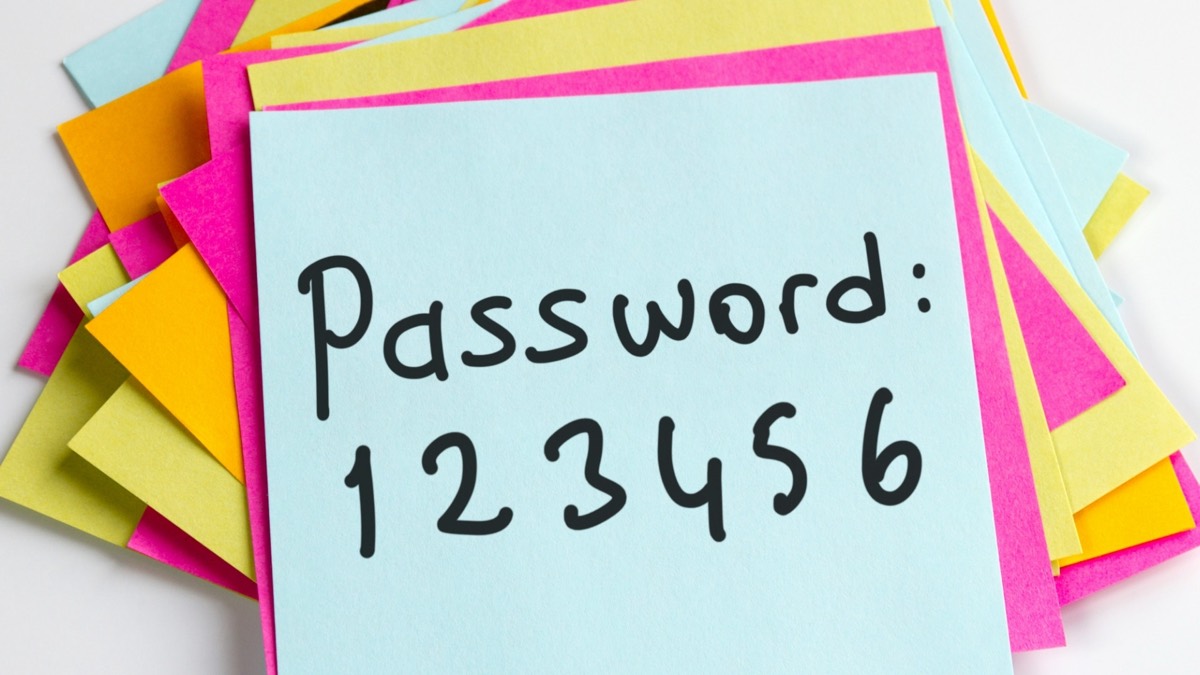
- Typed in a password: change it right away, and change it on any other site where you used the same one.
- Gave a card or bank number: call the number on the back of your card.
- Gave your Social Security number: go to IdentityTheft.gov for a step-by-step recovery plan.
- Opened an attachment: run your computer's security scan, and have a trusted shop take a look if anything seems off. Windows: click Start, type Windows Security, open it, click Virus & threat protection, then Quick scan. Mac: Macs check for known threats on their own, so there's no scan to run.
How to report it
Deleting a fake email is enough. If you'd like to help stop them, here are some extra steps:
- Forward phishing emails to reportphishing@apwg.org, then delete them.
- In Gmail, Outlook, or Yahoo, use the Report phishing or Report spam option so similar emails get filtered.
- Report it to the FTC at ReportFraud.ftc.gov.