Get ready for a video doctor visit
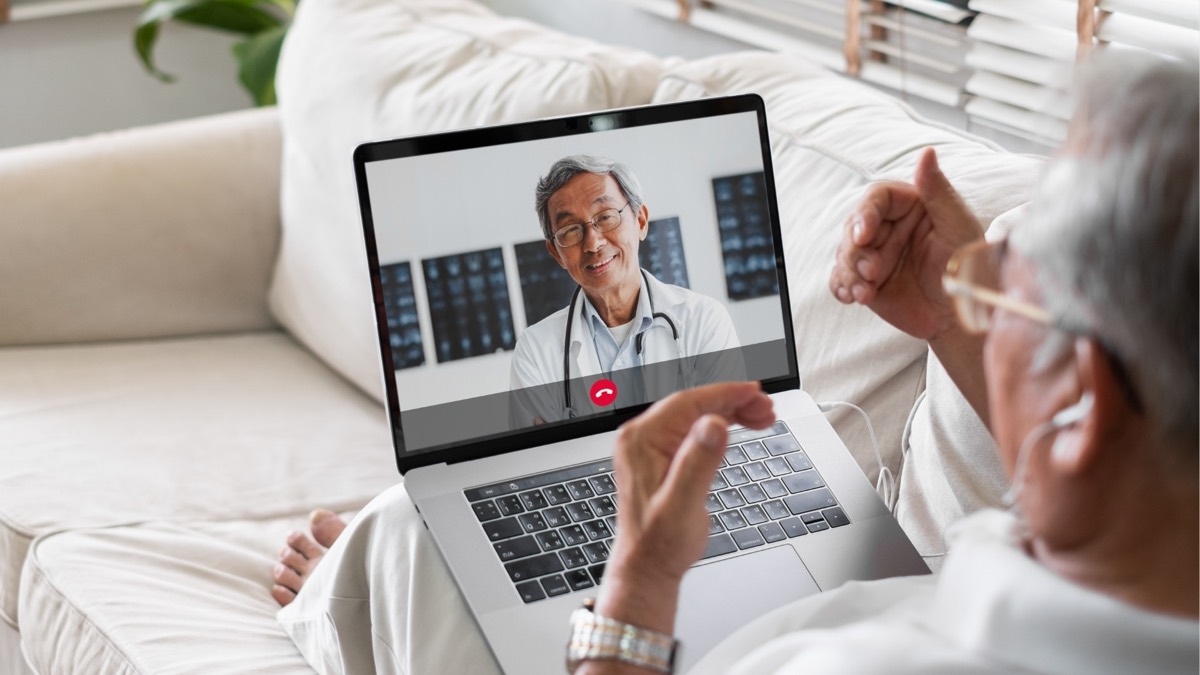
More doctors now offer video visits for follow-ups, medication checks, and questions that don't need an exam. They save a drive and a waiting room. A little preparation makes the visit go smoothly, so you spend the time talking about your health instead of your camera.
A day or two before
- Ask the office how the visit works. Will you use an app, a link in a text or email, or the patient portal? Ask what it will cost, too.
- Do a test run. Open the link or app ahead of time and check that your camera, microphone, and speaker work. Many offices will help you test if you ask.
- Charge your device, or plan to keep it plugged in.
- Ask for help you need, like captions or a family member joining the call.
Have these ready
- A list of your medicines and doses (or the bottles themselves)
- Any allergies
- Recent readings if you take them at home: blood pressure, blood sugar, weight, temperature
- Your questions and concerns, written down so you don't forget
- Paper and a pen for notes
- Your reading glasses
Set up your spot
- Choose a quiet, private room where you're comfortable discussing your health.
- Face a window or lamp, not away from it, so the doctor can see you clearly.
- Prop up your phone or tablet at eye level with your face in the middle of the screen. A stack of books works fine.
- Close other apps to help your connection.
- iPhone: swipe up from the bottom of the screen and pause in the middle (or press the Home button twice). Swipe each app you see up and off the screen.
- Android: swipe up from the bottom and hold (or tap the square or three-line button at the bottom). Tap Close all, or swipe each app up.
During the visit
- Join five or ten minutes early. You may wait in a "virtual waiting room" until the doctor joins.
- If the doctor can't hear you, check that your microphone isn't muted. It's usually a microphone button at the bottom of the screen.
- If the video freezes, stay calm. The office usually calls you back by phone if the connection drops.
- Never hold a video visit while driving.
Afterward
Ask for a written summary of what you discussed. It usually appears in your patient portal, along with any new prescriptions or follow-up instructions.
Source: U.S. Department of Health and Human Services, Telehealth.HHS.gov. Check with your doctor's office and your insurance plan about coverage and costs for video visits.