Pop-up says your computer is infected? Here's what to do
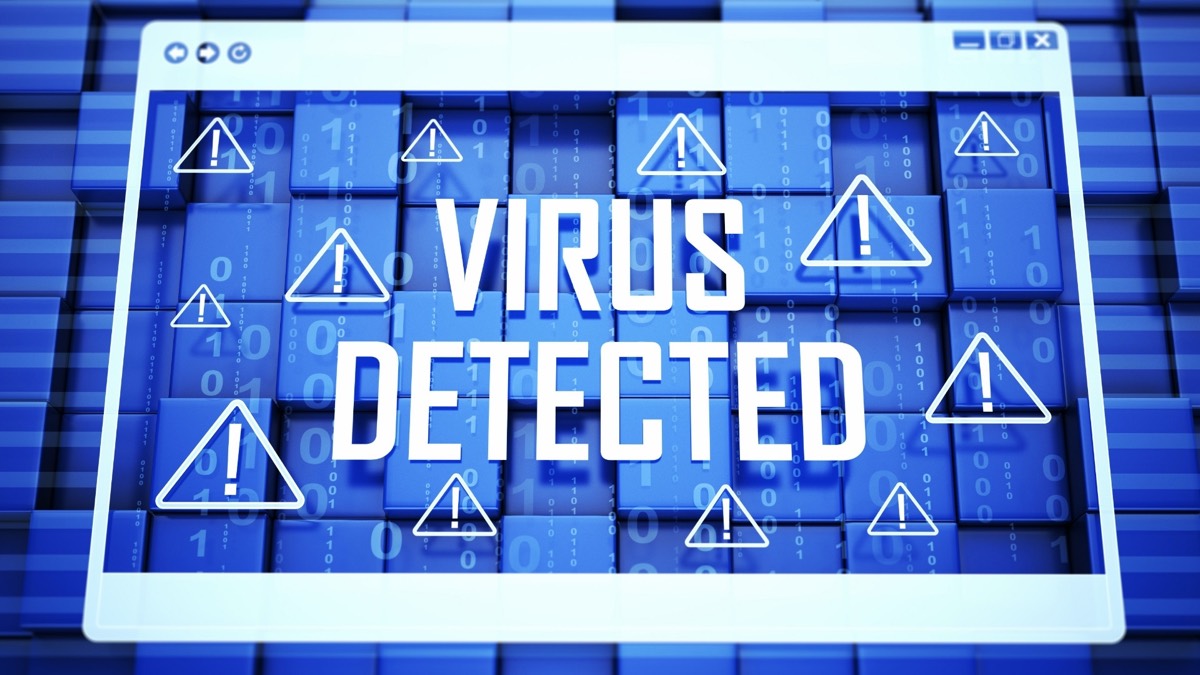
You're reading the news online when your screen fills with a flashing warning: "VIRUS DETECTED. Your computer is locked. Call Microsoft Support now." It may even beep or talk. It looks frightening, but it's a scam, and your computer is almost certainly fine.
The one rule
Never call a phone number from a pop-up. Real security warnings from Microsoft, Apple, or your antivirus program never ask you to call a number. And real tech companies don't call you out of the blue about problems with your computer.
How to close the pop-up
- Don't click anything inside the warning, including "OK" or "Close."
- Turn the computer off. Hold the power button until the screen goes dark. This always works and won't harm your computer. Wait a few seconds, then turn it back on.
- Comfortable with the keyboard? Instead of turning it off, you can close just the web browser. On Windows, press Ctrl + Alt + Delete, open Task Manager, choose your browser, and click End task. On a Mac, press Command + Option + Esc, choose your browser, and click Force Quit.
- When the browser asks whether to restore your previous pages, choose No.
- If you're still worried, run your computer's built-in security scan, or call a computer shop you already know and trust. Windows: click Start, type Windows Security, open it, click Virus & threat protection, then Quick scan. Mac: Macs check for known threats on their own, so there's no scan to run.
Other versions of the same scam
- A phone call from "Microsoft," "Apple," or "your internet company" saying they've detected a problem.
- An email invoice for a subscription renewal you never ordered (often "Geek Squad," "Norton," or "McAfee"), with a number to call for a refund.
- A search result or ad for "tech support" that leads to a scammer's phone line instead of the real company.
Signs it's a scam
- They ask you to install a program so they can control your computer remotely.
- They "find" problems and charge you to fix them.
- They want payment by gift card, wire transfer, cryptocurrency, or a payment app.
- They say your bank account is at risk and you need to move your money to "protect" it. No real company or government agency will ever ask this.
If you already called or let them in
- Hang up and turn off the computer if they're still connected.
- Have the computer checked by a shop you trust, to remove any program they installed.
- Change your passwords, starting with email and banking, from a different device if you can. Change them anywhere you used the same password.
- Call your bank or card company using the number on your card if you paid anything, and ask them to reverse the charge.
- Report it at ReportFraud.ftc.gov.
Source: FTC: How to spot, avoid, and report tech support scams.